Inora does your report while you care
Try InoraWhat Inora does
Take the paperwork off your plate
Inora works with your goals and across everything that belongs to your shift, so your attention stays with your clients. With privacy and safety built in, and with you in charge.
Personal, capable and effortless
Inora takes real work off your hands, and does it well because it works with what your organisation knows: the protocols, the quality handbook, the way your team reports. Talk to Inora in the app on your phone, on the computer at the office or in Teams and WhatsApp. Typed, or simply spoken.
You and Inora share a computer of your own in the cloud
A sealed computer with a full browser, in which Inora works the way you do: in the screen of your record system, your roster and your learning platform, with your login and your rights. You look along and take over whenever you want. No connection to build, no integration project.
Runs ahead of your shift and comes with proposals
Inora keeps track of what is going on, takes jobs off your plate and turns long lines into real progress: your training, your team, your clients. It learns from every conversation and comes back with proposals that fit your work, ready to carry out the moment you say so.
Connects to your systems and builds its own tools
Connect what you use every day: your record system, your roster, your mail and your learning platform. You decide what Inora may see and what it may do. And if a tool does not exist yet, Inora builds it for you: a handover list, a tally sheet, an overview for your team.
















One job, from start to finish
See how a report comes about
Not loose answers, but work that is finished. This is one report, from your first word to the line in the record, and at every step you see where Inora stands.
- 1Heard
You say it out loud
On your way to the next client you tell what you saw and did. No typing.
“Lower-leg wound dressed, edges calm, no pain at the change.”
- 2Source found
Inora takes your own protocol
It looks up what your organisation has adopted for this care and works with that, not with something from the internet.
Wound care protocol · § 3.2 · version 4 · adopted 4 September
- 3Draft ready
The report stands ready in your team's format
In the structure your team uses, with the source beside it. Nothing has been saved yet.
SOAP · draft · 10:39
- 4Information missing
Inora says what is still missing
If the protocol asks for something you did not mention, Inora does not fill it in. It asks you.
Missing: the pain score. Do you want to add it?
- 5Waiting for your approval
You read and decide
You see the text, the record and in whose name it will stand. You allow it once, always for this job, or you deny it.
Allow · Always for this job · Deny
- 6Checked and done
It is in the record
Inora puts the report in the record system, checks that it is there and reports back. Done only means done once it has been checked.
Saved at 10:42 in your name · Wednesday's check is on your list
The clients and the texts in this example are made up.
Trustworthy, with the keys in your hands
Inora is built from the first line to be safe, sealed and private. Your passwords stay yours: you sign in yourself. Everything stays in the EU, and no model is ever trained on your data.
See how Inora works for you
From preparing your shift to the handover at the end of it. Inora handles it.
Everything you expect of a good colleague
Inora does not wait until you ask, keeps to fixed agreements and takes over how you and your team work. And everything it keeps, you can read, correct and erase.
Speaks up of its own accord
Inora reads along with what it may see and speaks up when something concerns you. Reading along changes nothing.
Fixed jobs at a fixed moment
Say once “do this every weekday at half past two” and it is a fixed job. You see them in a row, with when they run, and you pause one whenever you want.
Show it once
Show Inora how your team does it. It keeps the steps as a way of working and does it itself after that, your way.
Joins the meeting
Invite Inora to the team meeting or the multidisciplinary meeting. It takes notes, sets up the agreements and comes back to them afterwards.
A memory you can read
What Inora keeps about you and your work is on one screen, with where it came from and how long it stays. You correct it or erase it, line by line.
Builds a place of its own for work that returns
A handover board, a tally sheet, an overview for your team: describe it and Inora builds it. It keeps itself up to date, and you tick things off in it yourself.
Care workers in their own words
Four care workers show what Inora gives them on a shift. In Dutch.
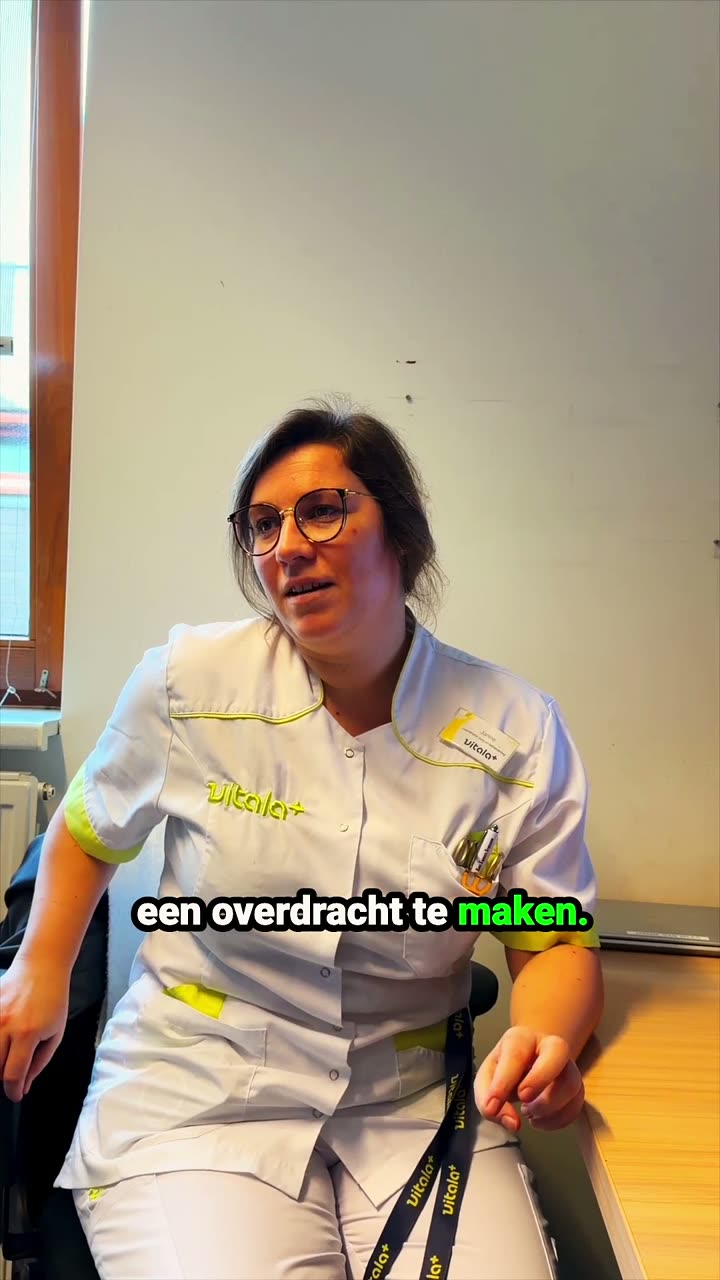
A nurse writes the handover in fifteen minutes
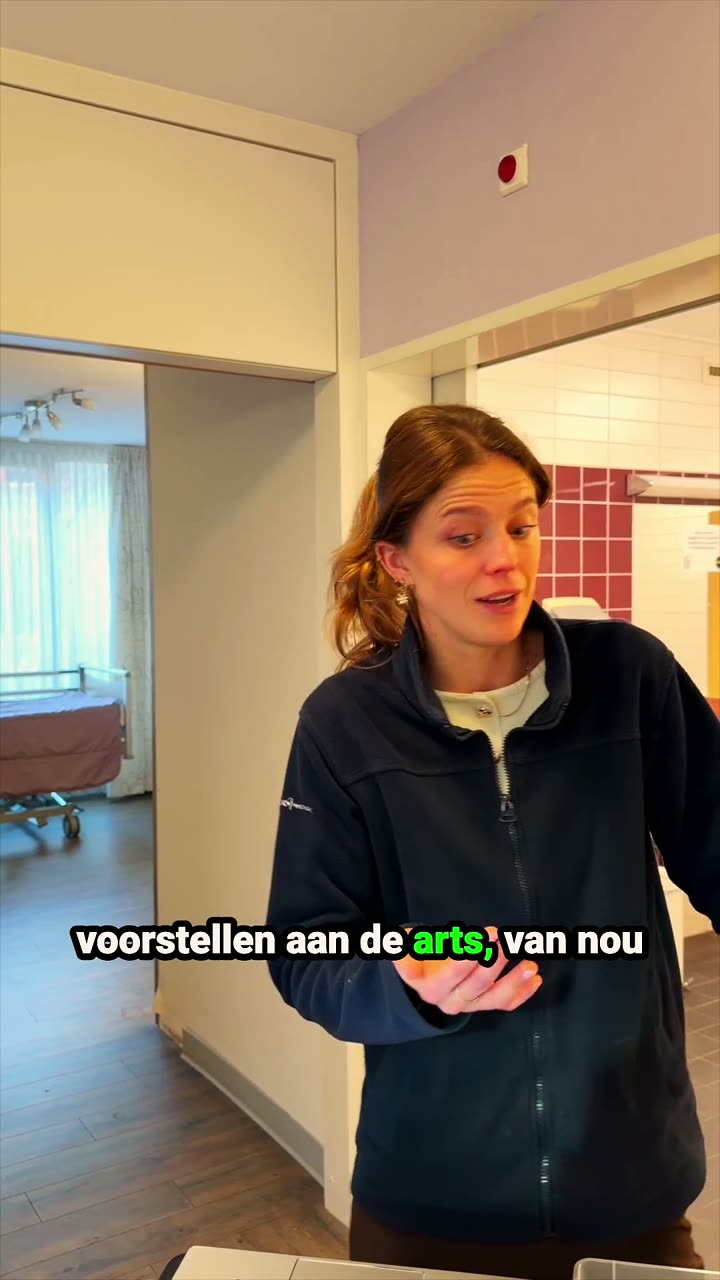
A nurse goes into the talk with the doctor prepared
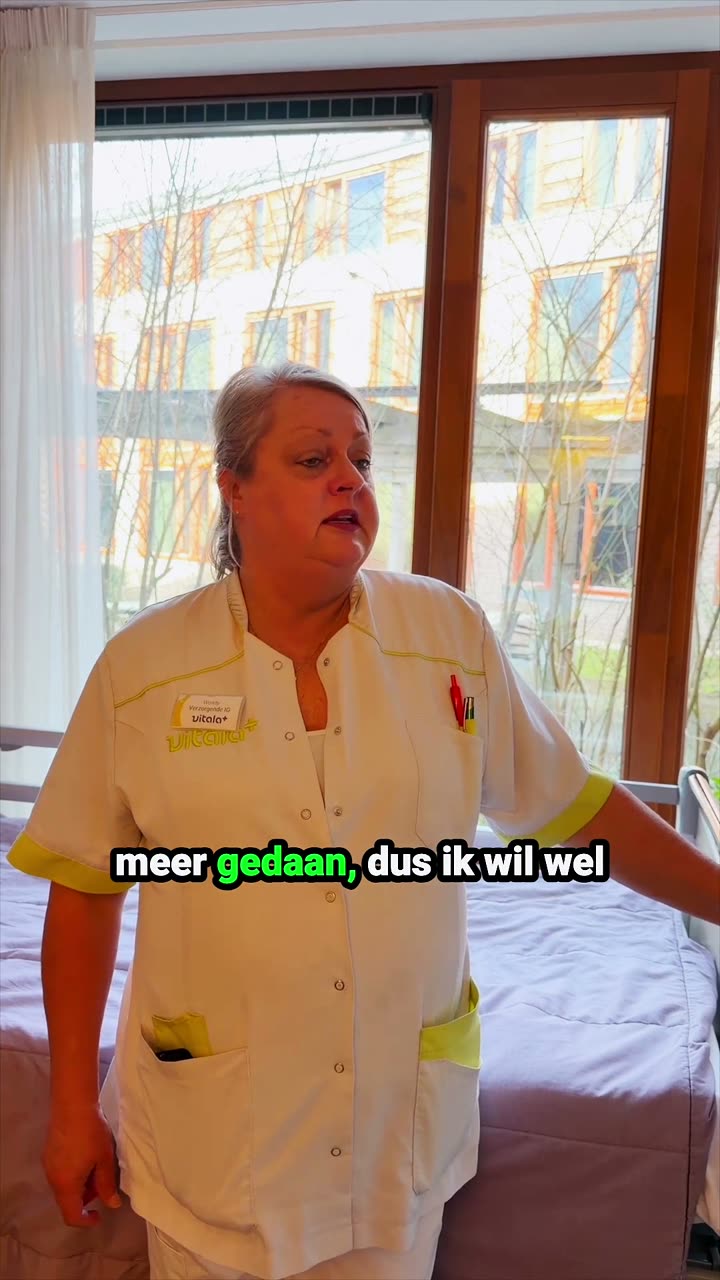
A certified nursing assistant gives an instruction on a stoma
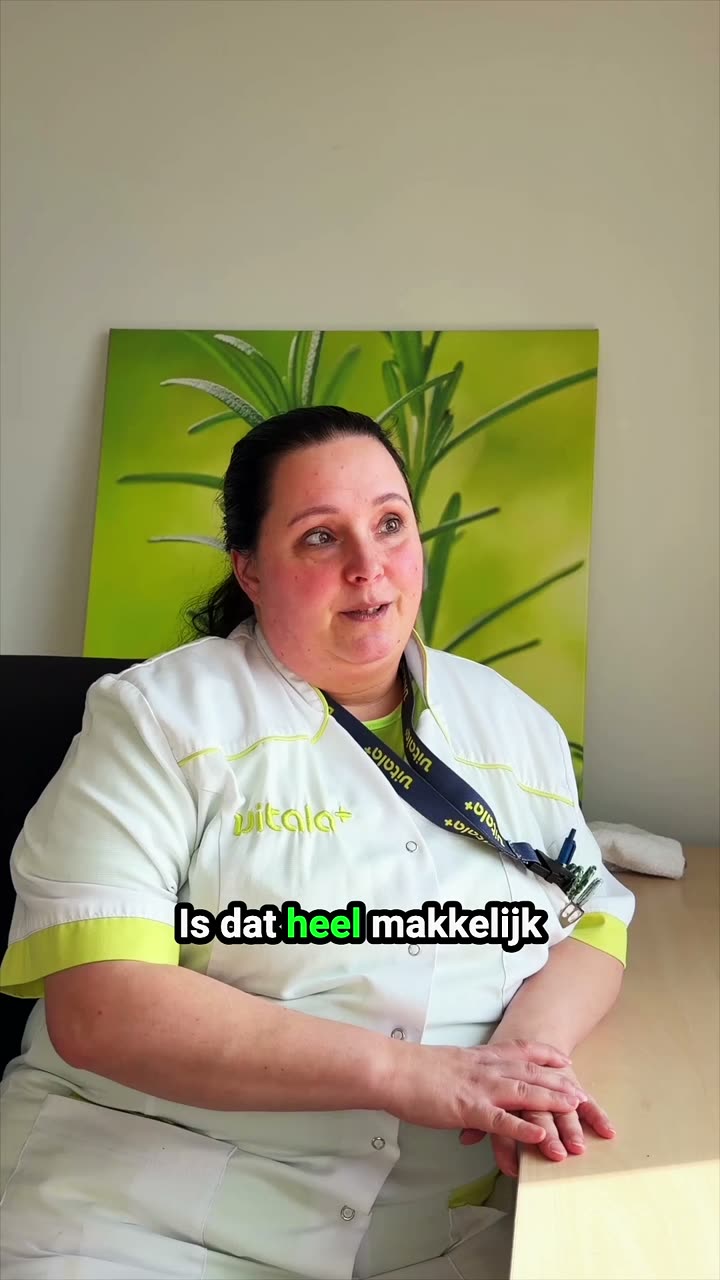
A care assistant looks up at once what is unclear in a report
Inora for care organisations
AI that works for your whole team
For team leads, quality advisers and directors. Inora keeps up with every team, works with the organisation's protocols and quality handbook and keeps the work moving between shifts.
See Inora for care organisationsFrequently asked questions
What can Inora do?
Inora prepares your shift, writes your report in your team's format, sets up your handover, finds the protocol you need and keeps your training current. You ask in plain language, typed or spoken.
How does Inora work?
You give Inora a task or a goal. Inora works with what your organisation knows and in the systems you already use, on a sealed computer of its own. Whatever changes something, Inora shows you first. You approve.
Is Inora safe?
Yes. Everything stays in the EU, no model is ever trained on your data and nobody in your organisation reads your conversations. How that is built is on the Security page.
Does Inora keep working after I close the app?
Yes. Inora keeps working in the background and speaks up when something is ready or when it needs your approval.
Does Inora ask before it does something in my name?
Yes, for anything that enters a record or leaves the building. You see what Inora wants to do and choose Allow or Deny.
What is a personal AI assistant?
An assistant that does not only answer but does the work. Inora reads, looks up, writes and prepares, with what your organisation knows. You read, decide and sign.
How is Inora different from a chatbot?
A chatbot waits for your question and gives text back. Inora works in your systems, keeps track of your goals, comes with proposals of its own and finishes what you ask of it.
Does Inora decide about care?
No. Inora makes no diagnosis and chooses no treatment. Inora supports you, and you decide.
Where is Inora available?
In the Netherlands and the rest of Europe, in Dutch and in English.
How do I get Inora?
Create an account on inora.ai, or log in with your work account if your organisation already uses Inora. If you want Inora for your whole team, send your team lead the page for care organisations. The page “How to get started with Inora” has it step by step.